 Orbit Switch
A little help, if you need it.
Let’s keep you in orbit.
A question, a bug, or an idea for the next round? You can reach the developer directly.
Say hello.
For help with Orbit Switch | Infinite Rush, email our support.
Get in TouchFor a bug report, include your device model, iOS version, app version, and what happened. A screenshot can help, too.
Good questions.
How do I play?
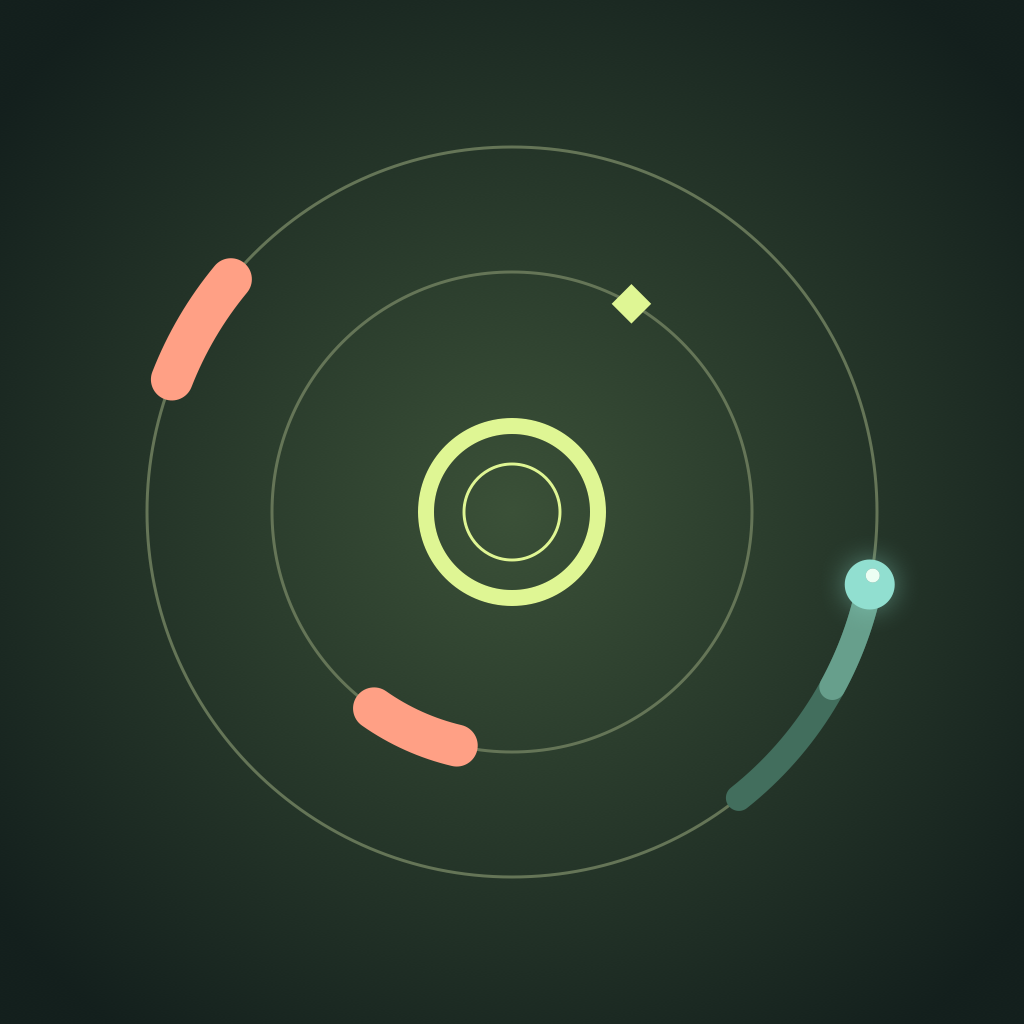
Tap Play Now from the home screen. Your player moves around the orbit automatically. Tap the playfield or the switch button to change between two lanes. Dodge the coral blockers and collect the diamond sparks. After a collision, choose One More Round for a fresh run.
How do points and spark chains work?
Each cleared gate earns 1 point. A close call earns +2. Collect sparks in a row to build a bonus: five sparks unlock ×2 and ten unlock ×3. Missing a spark resets the chain. The pace increases as you clear more gates.
Why can’t I hear the game?
Orbit Switch respects Silent Mode. Check your device’s Silent Mode and media volume, then open the game’s settings and make sure Sound is enabled. Audio can also pause during a phone call or another audio interruption.
Where is my best score saved?
Your best score and settings are saved on this device and persist when you close the app. They do not sync between devices. Deleting the app removes its local data, and support cannot recover a score we never received.
Do I need an account?
No. Orbit Switch does not require sign-in, and every game feature is available without an account.